


Want to show your Metal Fab Shop who’s the Boss?
Submit clear and concise drawings of HVAC fittings using these templates
With just a few clicks, you can submit top-tier shop drawings that eliminate guesswork and deliver crystal-clear instructions. Precision matters—and this tool makes it effortless and fun.
Why It Works
After years of crafting fittings, I’ve seen it all. And trust me—a solid drawing changes everything.
It’s the difference between confusion and clarity, between delays and smooth fabrication. This method doesn’t just improve communication—it levels up your entire workflow.
The Game-Changer You’ve Been Waiting For
- Access to 250+ (and growing) customizable templates
- Build your own favorites list
- Create assemblies for estimate sheets and quick shop drawings
- Submit clean, professional drawings that shop fabricators love
- Take it with you to the site and build your fab sheet on the spot.
- Keep track of your workflow
- Easy to file, complete with dates
- Get the whole crew on track by using the work order sheets
- Put estimate take-off data sheets together and use them for submittals.
- It’s mobile; use it on your phone, tablet, or desktop.
- We can customize your own app when you sign up for a subscription plan.
It’s time to stop drawing like a preschooler. Draw Like the Pro You Are!
It’s easy to Sign Up to see it in action. Everything you need is inside.
Click below to register and start building your All Pro shop drawing list today.
Go ahead: [Sign Up Here] or use the Registration tab at the top
Step Up Your Game
Before vs. After: See the Difference
Ask yourself: What do your drawings look like? Could you use this?
Your fabricator will thank you. Your clients will notice. Your workflow will transform.
You’ll show more clarity, be more concise, and be well organized in your ordering.
Use it for estimating, material take-off, and other pertinent things.
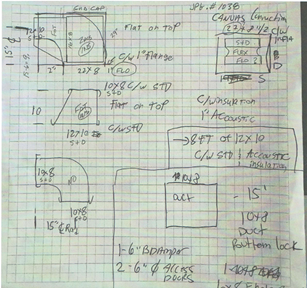
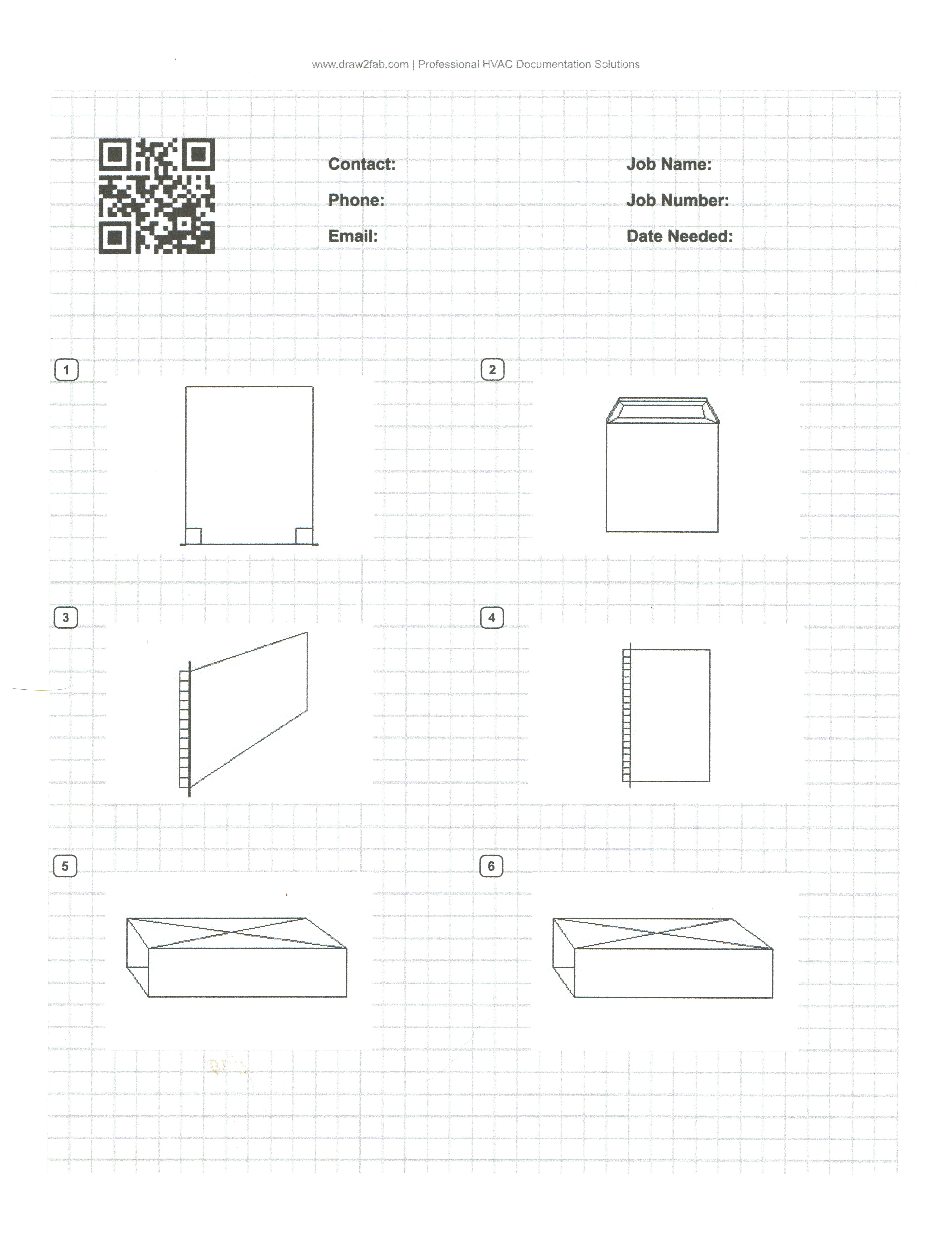
Yes, see for yourself; go ahead and print a page and see if you like it.
How it works: A quick guide to creating your first drawing.



1- Register for Access: Sign up to get started.
2- Business Name: Use a short, concise business name (maximum two words work best).
3- Verify Email: Double-check your email address before submitting. A confirmation email will be sent immediately with login info.
4- Enter Details: Complete the required fields for the form header, including job name and contact information. This will be very helpful for the fitting data sheet information.
5 –Select Category: Scroll down to choose a fitting category. Check them all out.
6- Add Fittings: Click Add to Print to select a fitting (you can add the same item multiple times if needed). Scroll down and remove any unwanted fittings.
7- Preview Order: Once all fittings are added, click the Preview tab.
8- Review Layout: Review your shop fittings layout page.
9- Complete Payment: Click Pay Now. Once processed, the Print Now button will appear.
Or click Print Now if on a Subscription Plan
10- Print: Ensure your device is connected to the same Wi-Fi the printer is on when using the mobile app, and the correct printer is selected, then print. Enjoy.
This will make you the Picasso in the Art of drawing HVAC Fittings! You know you can use it, so Sign Up Today!